🎉 Launch promo — every feature is free right now. Install by August 13, 2026 and keep it free for good.
Built for people running AI agents

Step away.
Keep working.

Lock your Mac the moment you leave — without stopping the AI tasks, renders, and downloads you left running. A real lock, not a screen cover.

macOS 12+ · Apple Silicon & Intel · No accessibility permissions

Lock&Run mode picker

Locking your screen shouldn’t kill your work

Normally, once your Mac locks it soon falls asleep — quietly pausing long agents, builds, and downloads. Lock&Run locks instantly while blocking sleep, so your background work keeps going.

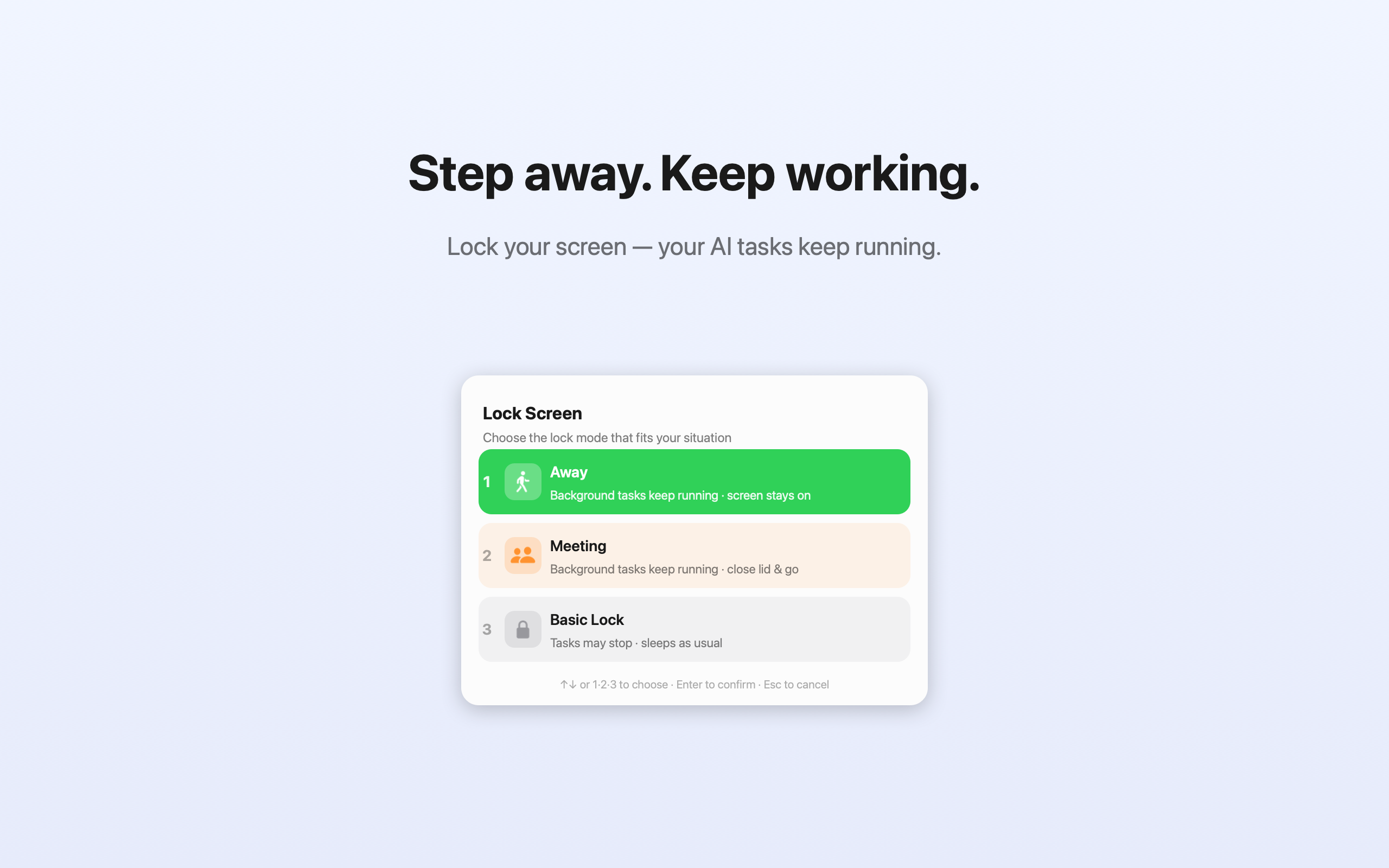
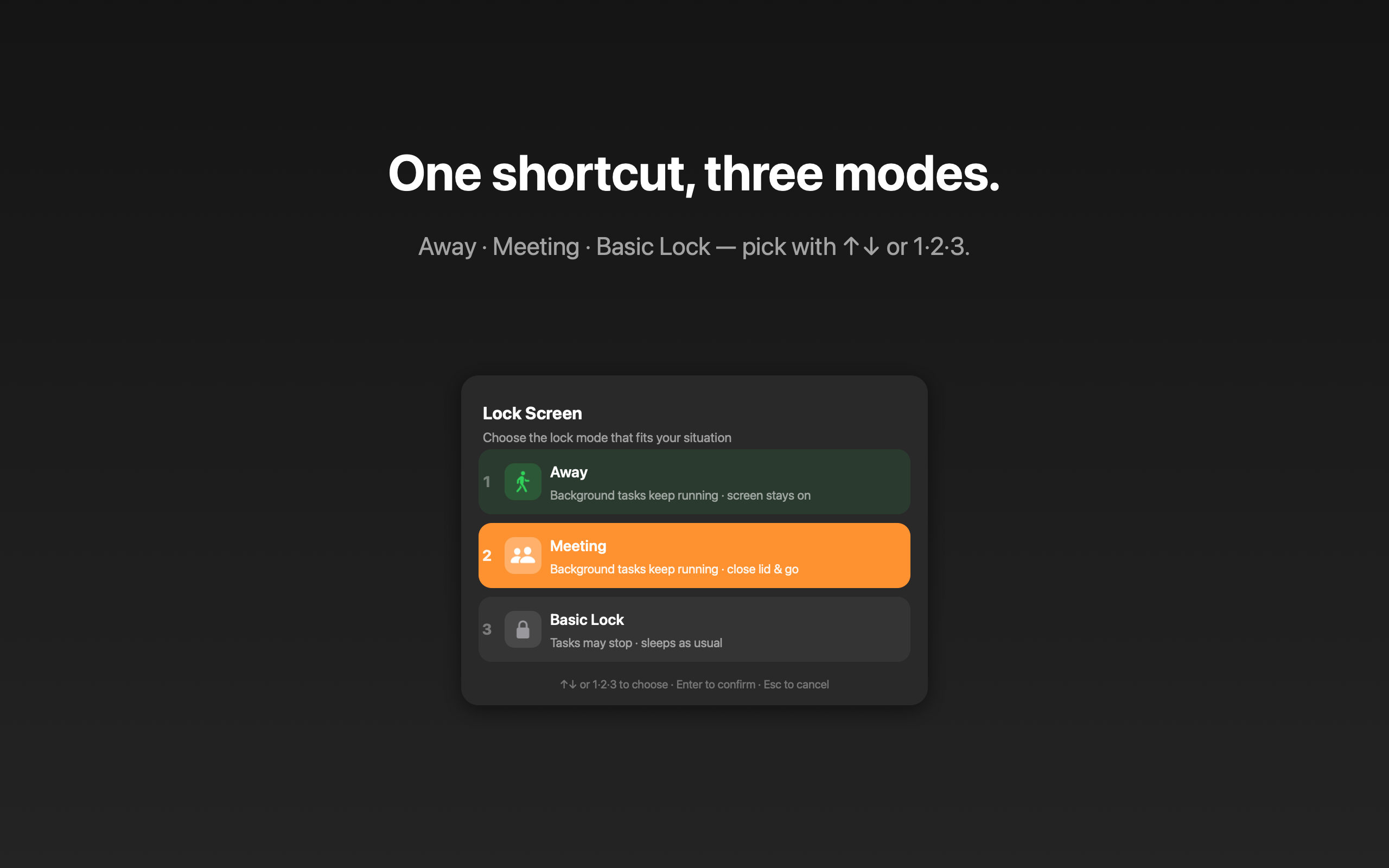
One shortcut. Three modes.

Press ⇧⌘L, then pick with ↑↓ or the number keys 1·2·3.

Away

Stepping out with the lid open. Screen stays on and background tasks keep running.

On the MovePRO

Close the lid and walk off. Tasks keep running even with the lid shut. Unlocked with Touch ID.

Basic Lock

Just lock like usual and let your Mac sleep normally. For when nothing is running.

Why Lock&Run

🔐

A real lock

Uses the actual macOS lock — password required to return. Not a fake overlay you can click past.

Instant & keyboard-first

One global shortcut opens the picker. Arrows or 1·2·3 to choose. Done in under a second.

🔋

Screen stays on

Away mode keeps the display awake so nothing goes dark — and nothing goes to sleep.

👆

Touch ID for On the Move

Enable lid-closed mode with your fingerprint. Restores automatically when you log back in.

🌍

7 languages

English, Korean, Japanese, Chinese, Spanish, German, French — follows your system language.

🕵️

Private by design

No accounts, no tracking, no network. Everything happens locally on your Mac.

Lock&Run dark mode

Simple pricing

Free to use. Unlock On the Move once — yours forever.

Free

$0
  • Away mode — keep tasks running, screen on
  • Basic Lock — normal lock
  • Menu-bar status & global shortcut
  • All 7 languages
Download Free

Pro

Free $3.99
🎉 Free during launch
  • Everything in Free
  • On the Move — keep running with the lid closed
  • Touch ID activation
  • Future Pro features included
Get it Free

FAQ

Does my work really keep running while locked?

Yes. Lock&Run holds a power assertion so your Mac won’t idle-sleep. In Away mode the display stays on; in On the Move it keeps running even with the lid closed.

How is this different from Amphetamine or Caffeine?

Those keep your Mac awake but don’t lock it. Lock&Run does both — and it uses a real macOS lock (password required), not a screen overlay.

Is it safe to close the lid?

In On the Move, yes — the Mac stays awake. Just keep it somewhere ventilated (a desk, not a sealed bag) so it doesn’t trap heat.

How do I activate Pro?

After purchase you get a license key by email. Open Lock&Run, choose Enter License Key…, and paste it. That’s it.

Lock&Run — Lock your Mac, keep your work running