Lock your Mac the moment you leave — without stopping the AI tasks, renders, and downloads you left running. A real lock, not a screen cover.
macOS 12+ · Apple Silicon & Intel · No accessibility permissions

Normally, once your Mac locks it soon falls asleep — quietly pausing long agents, builds, and downloads. Lock&Run locks instantly while blocking sleep, so your background work keeps going.
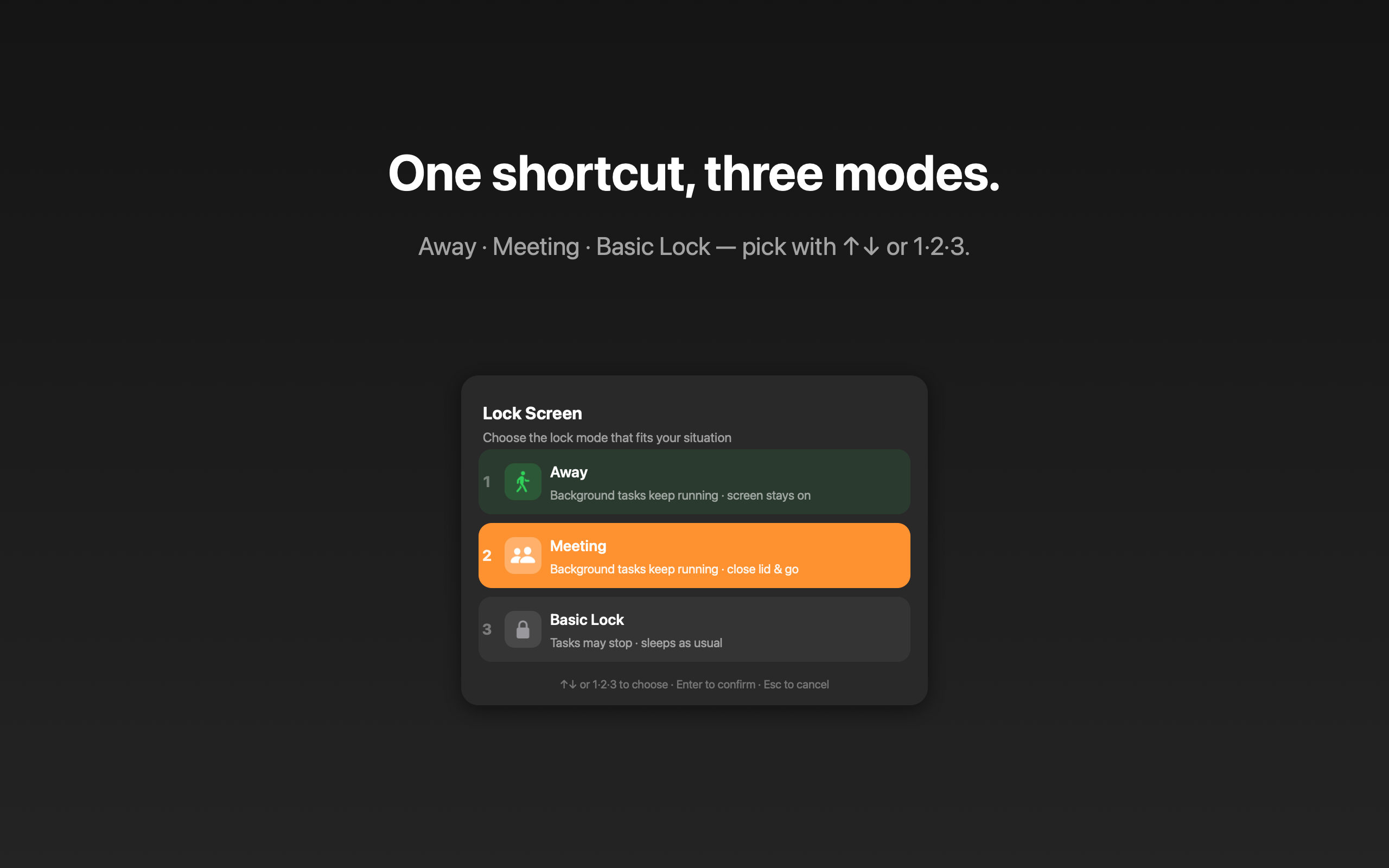
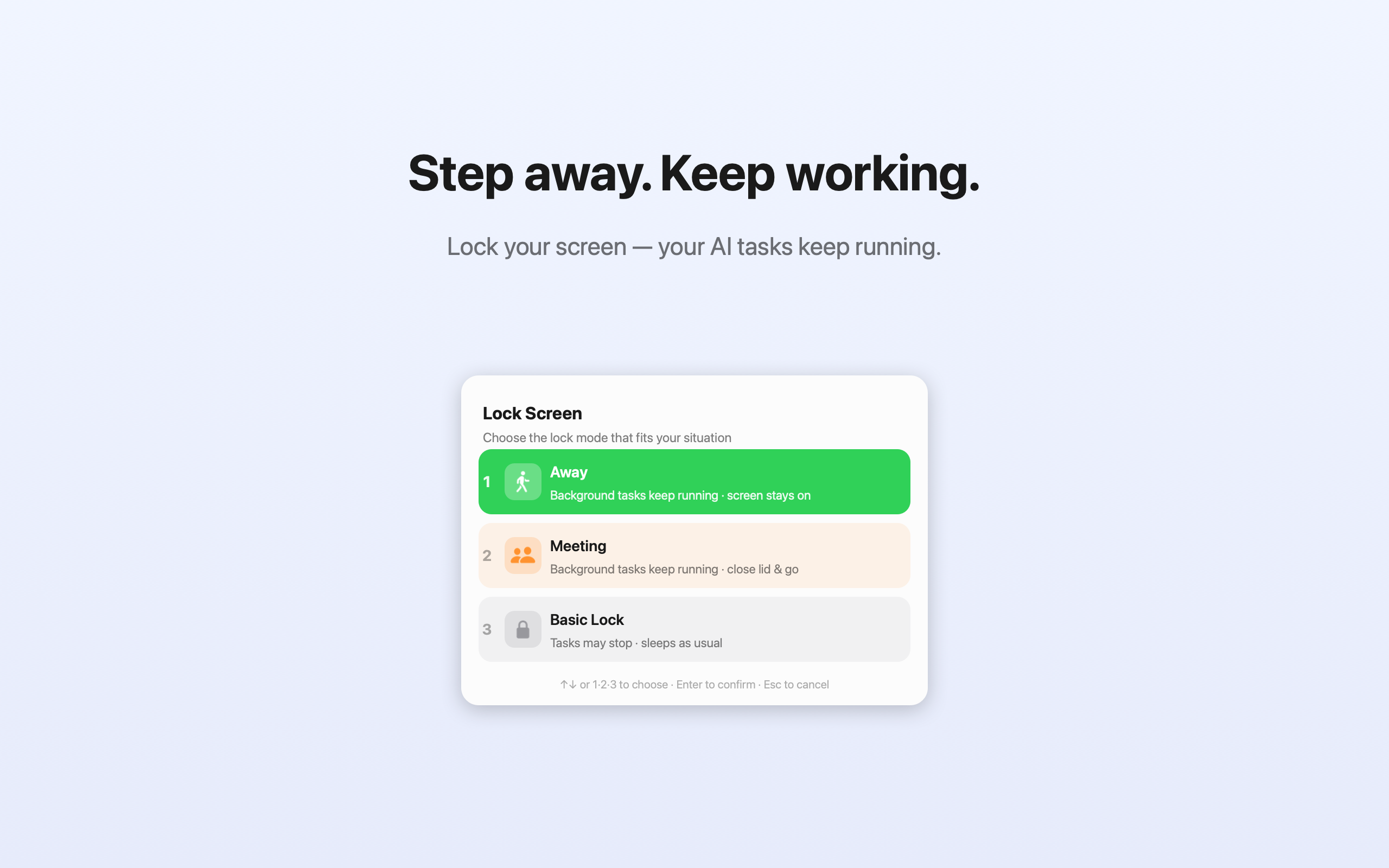
Press ⇧⌘L, then pick with ↑↓ or the number keys 1·2·3.
Stepping out with the lid open. Screen stays on and background tasks keep running.
Close the lid and walk off. Tasks keep running even with the lid shut. Unlocked with Touch ID.
Just lock like usual and let your Mac sleep normally. For when nothing is running.
Uses the actual macOS lock — password required to return. Not a fake overlay you can click past.
One global shortcut opens the picker. Arrows or 1·2·3 to choose. Done in under a second.
Away mode keeps the display awake so nothing goes dark — and nothing goes to sleep.
Enable lid-closed mode with your fingerprint. Restores automatically when you log back in.
Set a battery floor (10–40%), and if macOS reports the Mac getting hot enough to throttle, the session ends on its own. Either way your Mac sleeps normally instead of running flat or cooking in a bag.
English, Korean, Japanese, Chinese, Spanish, German, French — follows your system language.
No account needed — your screen, files, and passwords never leave your Mac.
Most tools do one half of the job. Lock&Run does both, in one keystroke.
| Keep-awake tools | Screen-cover apps | Lock&Run | |
|---|---|---|---|
| Real macOS lock — password required | — | ~ | ✓ |
| Background tasks keep running | ✓ | ✓ | ✓ |
| Lid closed, on battery | ✓ | — | ✓ |
| Locks and blocks sleep in one action | — | ~ | ✓ |
| No Accessibility permission needed | ✓ | — | ✓ |
| Stops itself on low battery or heat | ~ | — | ✓ |
~ = possible with extra setup, or handled with a screen overlay instead of the system lock. Keep-awake tools covers caffeinate, Amphetamine and the newer agent-aware schedulers, which do handle a closed lid. This compares categories of macOS utilities, not any single product.
Free to use. Unlock On the Move once — yours forever.
Yes. Lock&Run holds a power assertion so your Mac won’t idle-sleep. In Away mode the display stays on; in On the Move it keeps running even with the lid closed.
Those keep your Mac awake but don’t lock it. Lock&Run does both — and it uses a real macOS lock (password required), not a screen overlay.
In On the Move, yes — the Mac stays awake. Just keep it somewhere ventilated (a desk, not a sealed bag) so it doesn’t trap heat.
After purchase you get a license key by email. Open Lock&Run, choose Enter License Key…, and paste it. That’s it.